

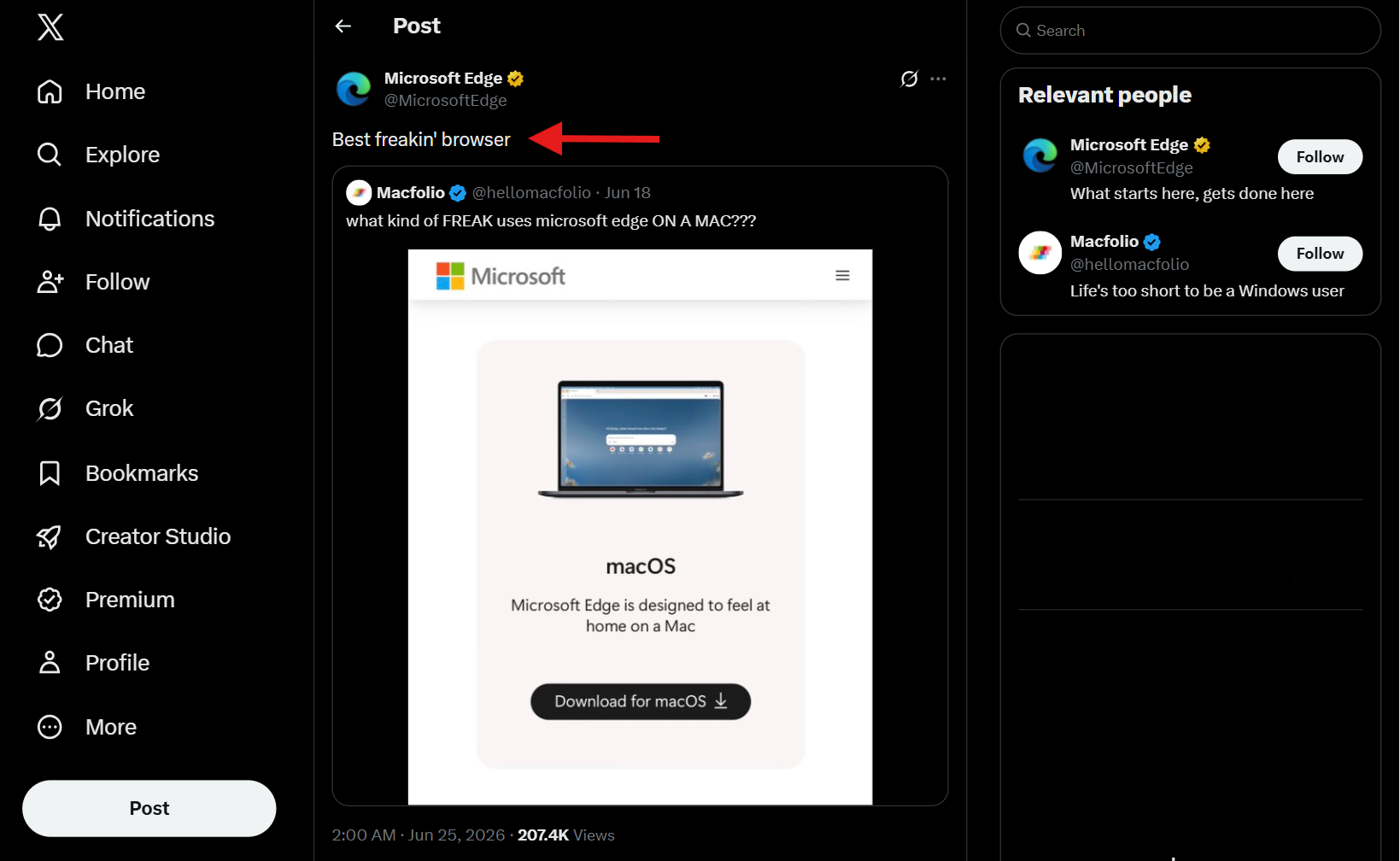
When a cheeky X post mocked Apple users for running Microsoft Edge on Mac hardware, the company’s official account fired back with a bold claim: it is the “best freakin’ browser.” The tweet sparked a lively debate, and the response turned out to be a real conversation starter.
Why the Response Resonated
The backlash was more than a defensive jab; it highlighted key strengths that many Mac users already value. Edge’s recent updates focus on performance, security, and cross‑device continuity—all crucial for the modern workflow.
Key Features That Set Edge Apart
- RAM Efficiency – Edge now uses up to 30% less memory than Safari in many scenarios, freeing up resources for other apps.
- Enterprise‑grade Security – Built on the same Chromium engine as Google Chrome, Edge offers advanced sandboxing and Microsoft Defender integration.
- Seamless Sync – Your tabs, passwords, and settings travel effortlessly between Windows PCs, iPads, and Macs.
- Customizable UI – A lightweight, minimalistic design that feels native to macOS while retaining Windows‑style power tools.
- Developer Tools – Edge’s DevTools are now fully compatible with the new Web Platform features, making debugging a breeze.
The Mac Community’s Verdict
In the thread’s replies, a majority of Apple users admitted that Edge’s resource usage and smooth sync have become game‑changers. Several developers noted that Edge’s performance gains translate directly to faster build times and less lag when running heavy web apps.
Enterprise Adoption Fuels the Momentum
Large organizations that rely on Microsoft 365 now push Edge as the default browser across all devices. This corporate endorsement has trickled down to individual users who appreciate the consistency of a single ecosystem.
Edge vs. Safari: A Quick Comparison
While Safari remains a strong contender for privacy and battery life, Edge’s recent updates bring it close in those areas while offering superior feature parity with Windows. Users seeking a browser that works “just as well on Mac” find Edge a surprisingly viable alternative.
What the Future Holds for Edge on macOS
Microsoft is investing heavily in AI‑powered features, such as intelligent summarization and auto‑completion, that will be accessible across all platforms. As these tools mature, Edge is poised to become the go‑to browser for cross‑platform teams.
How to Get Started with Edge on Your Mac
Downloading Edge is straightforward. Simply head to the official Microsoft website, select the macOS installer, and follow the on‑screen prompts. Once installed, sign in with your Microsoft account to unlock sync and enterprise features.
📖 Continue Reading the Full Story
Get the latest in-depth coverage & exclusive updates
Read Full Article


💬 Comments
Comments
Post a Comment