

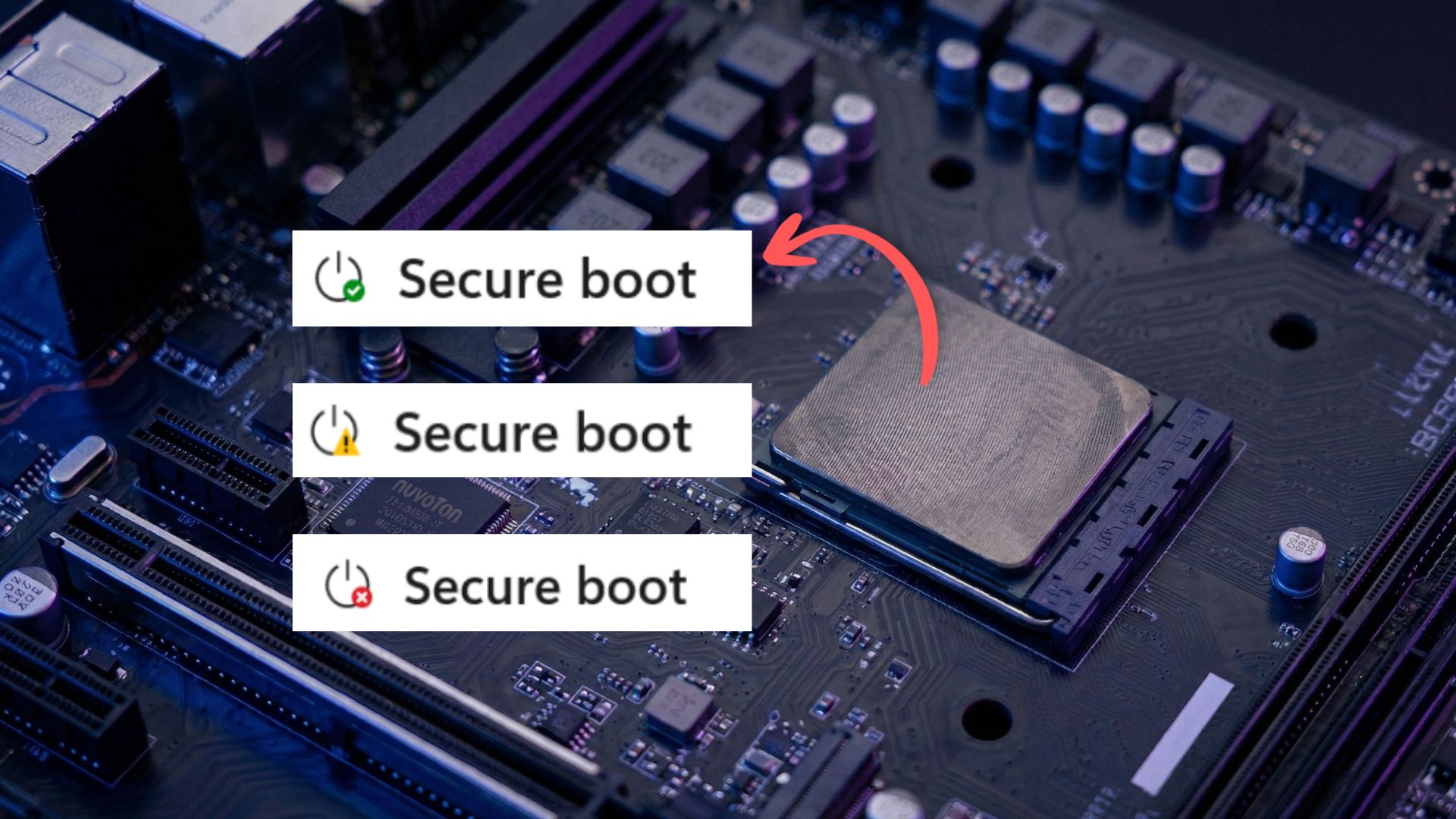
What Happened?
The Secure Boot feature protects the boot process from unauthorized firmware and malware. Microsoft’s 2023 cert update refreshes the root certificates that Secure Boot uses to validate the integrity of system components. The update was rolled out across millions of devices worldwide, ensuring that the security chain remains intact.
How to Verify Your Update Status
Checking whether your PC received the update is simple and can be done in three quick steps:
- Open Settings → Update & Security → Windows Update and look for the “Latest security update” banner.
- Go to Control Panel → System and Security → System and verify the Windows build number is 22631.3000 or higher.
- Run PowerShell as administrator and execute
Get-WmiObject -Class Win32_OperatingSystem | Select-Object Caption, Version, BuildNumber; the output should match the latest build.
If you see any of these indicators, you’re covered.
What If You Missed It?
While most PCs received the update automatically, a small percentage may have missed it due to network restrictions or offline status. Here’s what to do:
- Reconnect your device to a reliable network and run Windows Update again.
- Manually download the Secure Boot 2023 cert update from the Microsoft Update Catalog and install it.
- Check the Event Viewer for any Secure Boot related errors; if you see “Certificate validation failure,” it’s time to apply the patch.
Skipping this update can expose your system to older, unpatched root certificates, potentially allowing rootkits to bypass Secure Boot.
Future Implications for Windows Users
This update underscores Microsoft’s commitment to a hardened boot chain, especially as ransomware attacks grow more sophisticated. It also highlights the importance of keeping your device connected for timely security patches. For IT administrators, the rollout demonstrates the effectiveness of auto‑update policies in maintaining enterprise security posture.
Stay ahead of the curve—check your update status today, and keep your Windows 11 machine safe from boot‑level threats. If you need help, contact Microsoft Support or consult your organization’s IT department.


💬 Comments
Comments
Post a Comment