

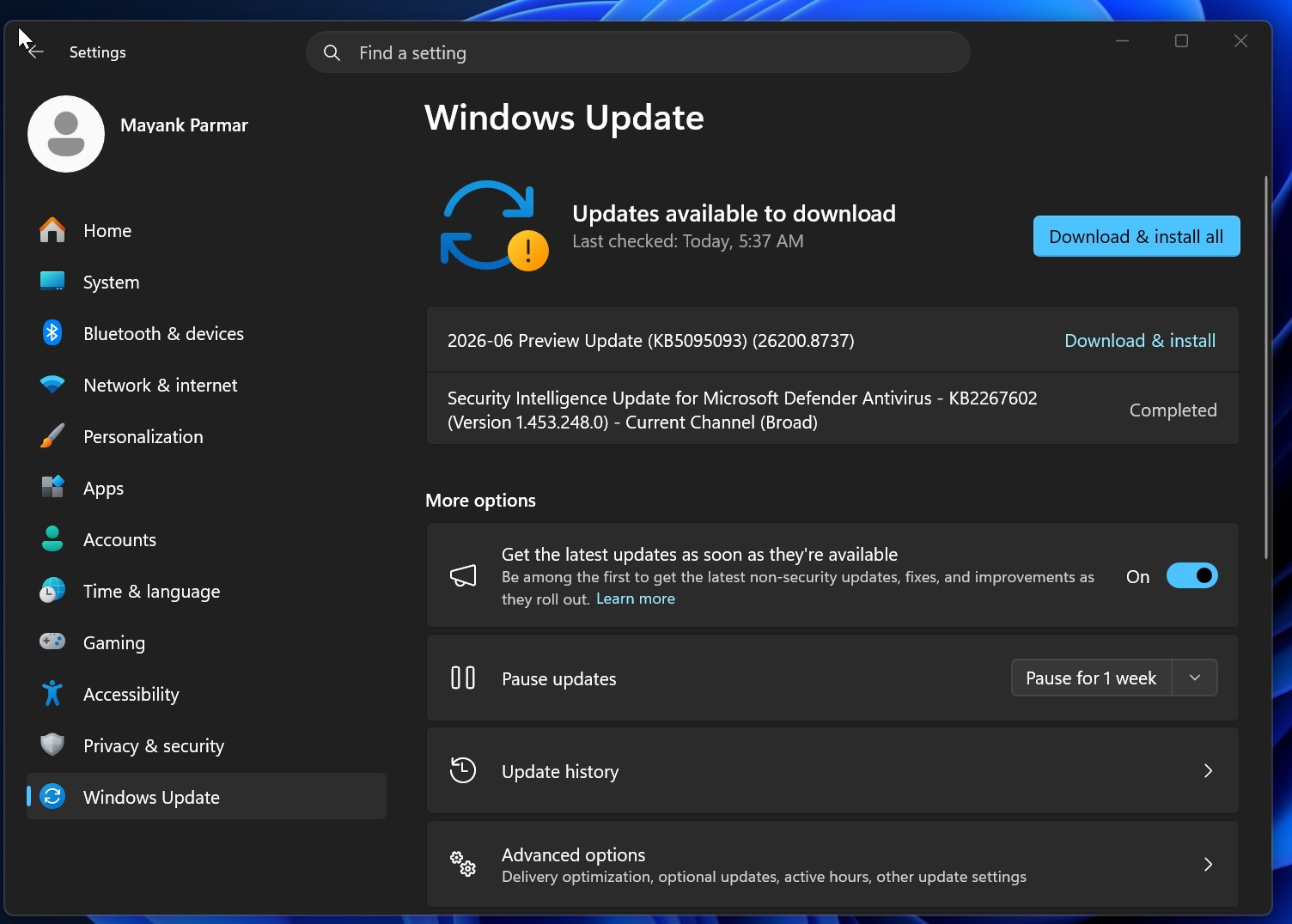
Microsoft’s latest patch, KB5095093, has landed across the US, UK, and Canada today, promising a smoother, more customizable Windows 11 experience. The update tackles long‑standing bugs, tightens update management, and now offers a convenient offline installer for users who prefer a manual approach.
Why KB5095093 Matters
At its core, this rollout refines how Windows 11 handles updates. Users can finally exercise finer control over when and how patches land on their devices, reducing the friction that plagued earlier builds. For IT pros managing fleets, the new policy options mean less downtime and more predictable rollout schedules.
Key Features at a Glance
- Granular Update Scheduling – Set maintenance windows that respect your business hours.
- Enhanced Rollback Options – Quick revert to previous states if a patch causes hiccups.
- Improved Compatibility Checks – Fewer install failures on legacy hardware.
- Bug Fixes – Resolved UI glitches, driver conflicts, and a critical security patch for SMBv1.
- Offline Installer (.MSU) – Download the full .MSU file and run it on any machine without internet.
How to Get It
There are two straightforward paths to install KB5095093:
- Automatic Update – Let Windows Update fetch the patch in the background. This is the quickest route for most users.
- Manual Offline Installation – Head to the Microsoft Download Center or the Update Catalog to grab the .MSU file. Once downloaded, double‑click the file and follow the on‑screen prompts.
What IT Teams Should Note
For network administrators, the new policy controls mean you can now deploy KB5095093 during off‑peak hours, minimizing impact on end‑users. The rollback feature is also a safety net for environments where stability is paramount.
Compatibility & Prerequisites
KB5095093 requires Windows 11 Home, Pro, Enterprise, or Education editions. Make sure your device meets the minimum hardware requirements: a compatible 64‑bit processor, 4 GB RAM, and 64 GB storage. The patch also demands that Windows 11 Build 22621.1000 or newer be present.
Security Highlights
Microsoft has patched a critical vulnerability that exposed SMBv1 to potential exploitation. The update also tightens kernel‑mode driver signing enforcement, bolstering the OS against malicious code.
Next Steps
Whether you’re a home user, a small business, or a large enterprise, KB5095093 offers fresh tools to keep your Windows 11 environment running smoothly and securely. If you prefer a hands‑on approach, download the .MSU file today and install it manually. For the rest, simply let Windows Update take care of it.
Ready to upgrade? Grab the KB5095093 .MSU installer now and enjoy a more controlled, reliable Windows 11 experience across the US, UK, and Canada.


💬 Comments
Comments
Post a Comment