

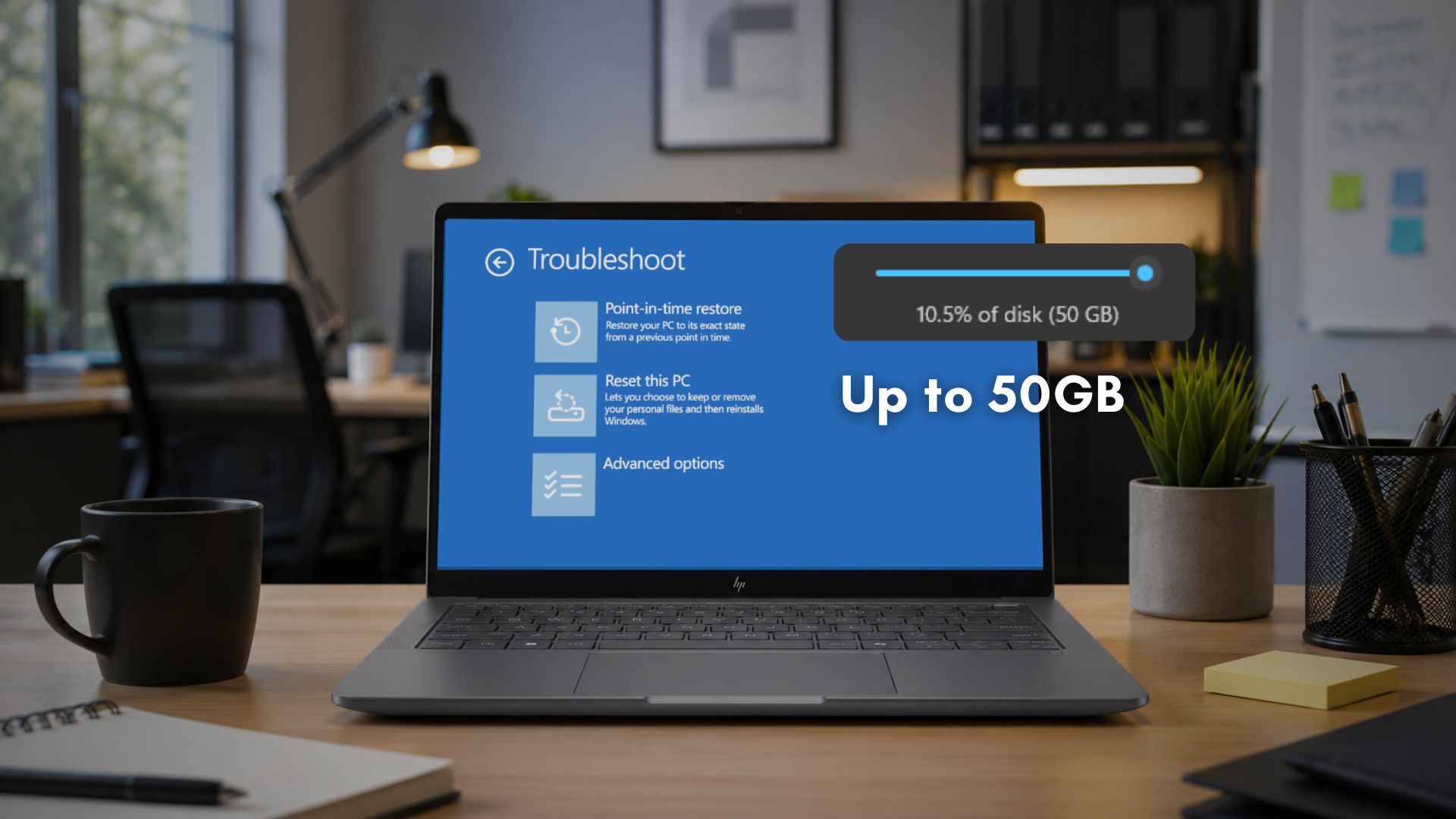
Microsoft’s latest optional update for Windows 11 introduces a point‑in‑time restore feature that can consume up to 50 GB of disk space. While the headline may raise eyebrows, the reality is far less daunting—and it’s designed to keep your data safer.
What Is Point‑in‑Time Restore?
This new capability lets Windows capture snapshots of your system at regular intervals, so you can roll back to a healthy state if an update or driver glitch causes trouble. Think of it as a built‑in “undo” for your entire PC.
Why Up to 50 GB?
Microsoft clarified that the 50 GB figure is an upper bound. The system only uses the space it needs—typically a fraction of that limit. The storage is allocated on demand and reclaimed automatically when older snapshots become obsolete.
Key Features at a Glance
- Automatic Snapshot Creation – Windows takes a snapshot every few days or after major updates.
- Selective Rollbacks – Restore only the components that caused problems, not your entire OS.
- Smart Space Management – Snapshots are purged when they’re no longer needed, keeping the footprint minimal.
- User‑Controlled Settings – Adjust how often snapshots are taken or disable the feature entirely in Settings → Update & Security.
Is It Safe for Your Storage?
Because the feature doesn’t pre‑allocate the full 50 GB, it won’t immediately flood your drive. If you have a 512 GB SSD, you’ll likely see only 2–5 GB in use after a month of normal activity.
What Should You Do?
- Check Settings → Update & Security → Windows Update → Advanced options to confirm the feature is enabled.
- Monitor Storage Usage in Settings to see how many snapshots are stored.
- Delete old snapshots manually if you’re low on space: Settings → System → Storage → Temporary files → “Restore points.”
- Consider upgrading to a larger SSD if you anticipate heavy use of this feature.
Bottom Line
Microsoft’s point‑in‑time restore offers a powerful safety net without locking up your storage. The 50 GB ceiling is just a safety margin, not a hard cap. Keep an eye on your storage, but don’t worry—your PC is protected, not penalized.
Want to stay ahead of Windows updates? Subscribe to our newsletter for the latest tech insights and practical tips.


💬 Comments
Comments
Post a Comment