

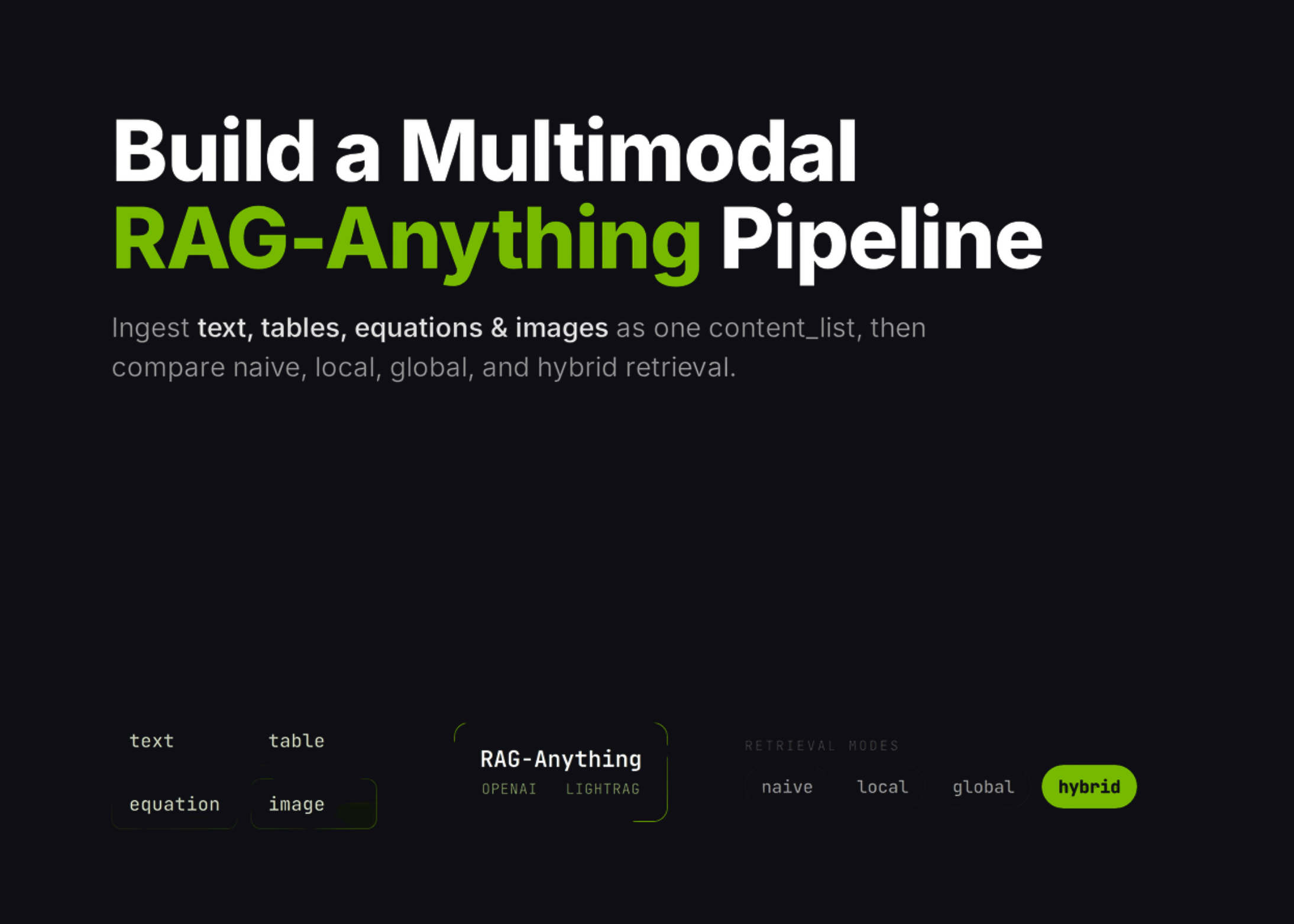
Ever wondered how to let an AI search through text, tables, equations, and images all at once? The new RAG‑Anything tutorial on MarkTechPost shows you how to create a fully multimodal retrieval system right in Google Colab. This guide walks through every step—from setting up the environment to testing different retrieval modes—so you can build a powerful knowledge‑base for any data‑rich project.
Why Multimodal Retrieval Matters
Traditional retrieval models handle only plain text, missing the nuance of charts, equations, or embedded images. With RAG‑Anything, you can:
- Pull insights from PDFs and spreadsheets without manual extraction.
- Integrate equations into answers to support scientific queries.
- Use image embeddings for visual context in conversations.
Step 1: Prep Your Colab Workspace
Start by cloning the RAG‑Anything repo and installing dependencies. The tutorial provides a ready‑made requirements.txt that pulls in langchain, OpenAI, and faiss‑cuda for fast indexing. No more wrestling with virtual environments—everything runs in the cloud.
Step 2: Feed the System Real‑World Content
Generate a synthetic report that includes a chart and a PDF. Convert every element into the content_list format required by RAG‑Anything:
- Text: plain paragraphs and headings.
- Tables: CSV or Excel converted to JSON rows.
- Equations: LaTeX strings embedded in Markdown.
- Images: base64‑encoded JPEGs or PNGs.
Inserting this structured content into the retrieval index is a single API call—no manual parsing needed.
Step 3: Choose Your Retrieval Mode
Three retrieval strategies are worth exploring:
- Naïve – retrieves the top‑k items based on similarity.
- Local – uses a local vector store, reducing latency.
- Hybrid – combines local retrieval with a global search across multiple sources.
Step 4: Power the Chat with OpenAI
Configure the OpenAI chat, vision, and embedding functions within the same notebook. The tutorial demonstrates how to:
- Send the retrieved multimodal snippets to ChatGPT‑4o for context‑aware answers.
- Leverage the vision API to interpret images on the fly.
- Update embeddings on the fly when new content arrives.
Step 5: Test and Iterate
Run a series of example queries—“Show me the revenue chart for 2025” or “Explain the equation for compound interest”—and watch the model pull in the correct visual and textual data. The tutorial’s interactive widgets let you tweak retrieval parameters and instantly see the impact.
Getting Started Today
Whether you’re a data scientist, a researcher, or a developer building the next knowledge‑base app, RAG‑Anything offers a plug‑and‑play solution. No heavy infrastructure, just a Colab notebook and your OpenAI key.
Ready to turn your mixed‑media docs into an AI‑ready knowledge graph? Clone the repo, paste your API key, and start building—your next multimodal assistant is just a few clicks away.


💬 Comments
Comments
Post a Comment