

Microsoft Teams just rolled out a suite of fresh improvements that promise to streamline virtual collaboration for users in the United States, United Kingdom, and Canada. While the platform adds new tools, it also pauses a highly anticipated multitasking fix that many teams were counting on.
What’s New in Microsoft Teams?
The latest update introduces features that enhance app integration, event layout, and file discovery—making teamwork smoother than ever.
Feature Deep Dive
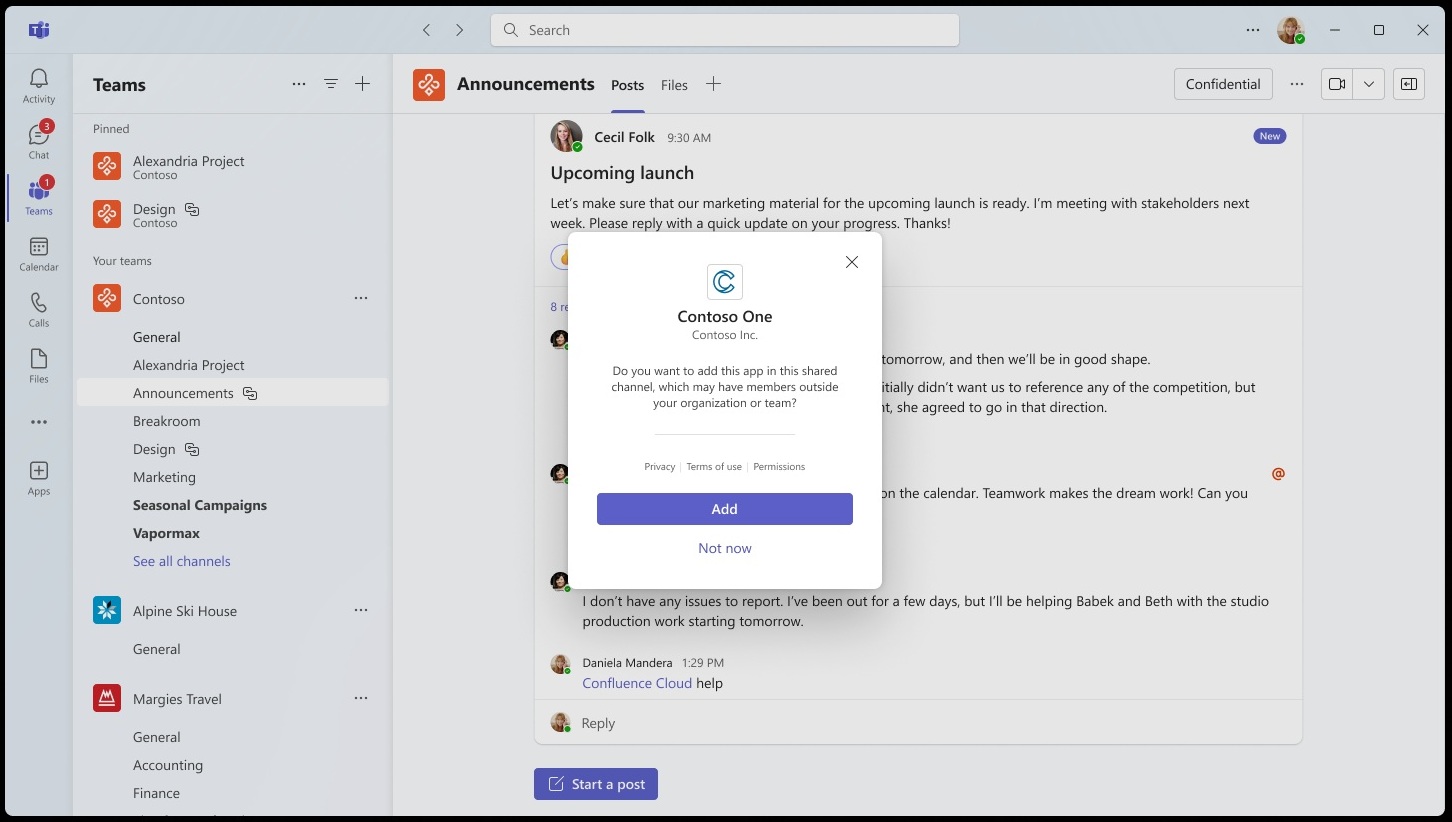
- Apps in Private Channels – Teams now supports third‑party apps directly inside Private Channels, letting isolated teams deploy productivity tools without leaving the chat.
- Speaker‑Focused Event Layout – Live events get a new layout that keeps the speaker front‑and‑center, reducing visual clutter for large audiences.
- Cloud‑Based File Search in Attach Picker – Search your OneDrive or SharePoint files in real time while attaching, cutting the time spent hunting for documents.
- Improved Meeting Recording Export – Export recordings to OneDrive with a single click, and share an auto‑generated transcript for accessibility.
- Revised Participant Controls – Hosts can now mute or remove participants from the side panel, streamlining moderation during busy calls.
- Contextual Knowledge Panel – Hover over a contact or channel and a quick‑look panel pops up with recent activity and relevant files.
- Enhanced Search Filters – Narrow conversation history by date, file type, or participant, making it easier to track down past decisions.
The Unfinished Multitasking Fix
Teams previously announced a multitasking fix that would let users toggle between meeting view and other apps without losing focus. The feature was delayed, leaving many users frustrated as they juggle screen real estate during back‑to‑back sessions.
How to Get Started
To unlock these updates, open Teams, click Settings, then Updates. Toggle Enable new features to activate the latest tools. For the Speaker‑Focused layout, select Live Events and choose the new view from the layout menu.
Why It Matters for Remote Work
These enhancements reduce friction in daily workflows: private‑channel apps keep focused groups productive; the cloud file search cuts the time searching for documents; and a cleaner event layout improves audience engagement.
While the multitasking fix remains on hold, the new features demonstrate Microsoft Teams’ commitment to evolving the platform for remote and hybrid teams. Stay tuned for the next update—your next step toward a more efficient digital workplace.
Ready to boost your team’s productivity? Update Microsoft Teams today and explore the new features that make collaboration smoother than ever.


💬 Comments
Comments
Post a Comment