

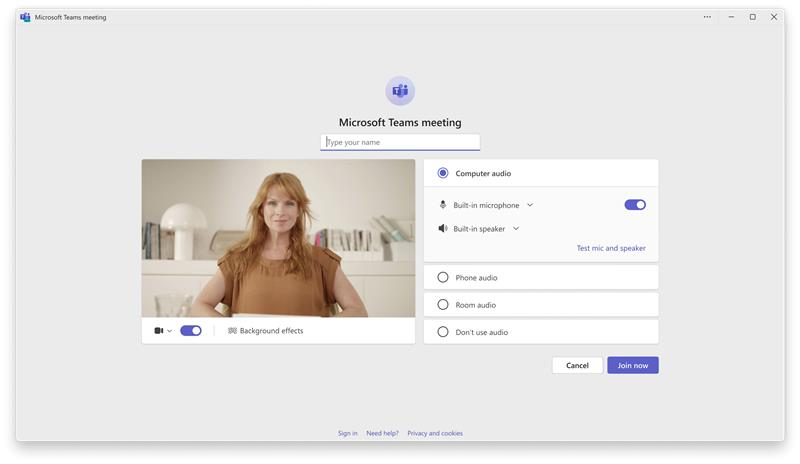
Remote collaboration has never been more critical, yet one recurring frustration haunts daily video calls: the dreaded “Can‑you‑hear‑me?” moment. Microsoft Teams is finally putting an end to that noise with a quietly rolled‑out audio‑test feature that lets users check their microphone and speakers before the meeting starts.
What’s New?
Microsoft Teams now offers a quick mic‑and‑speaker test right from the meeting invite screen. The feature automatically runs a short audio check when you click “Join,” providing instant feedback on volume levels and potential echo or dropout issues.
How It Works
The process is seamless: 1. Click “Join” → 2. Teams automatically plays a test tone → 3. Users listen and adjust volume or mute as needed. If a problem is detected, a gentle pop‑up suggests troubleshooting steps or prompts the user to re‑join.
Why It Matters
For businesses spanning the US, UK, and Canada, this tweak means:
- Reduced meeting downtime – no more awkward pauses while participants troubleshoot.
- Higher productivity – clear audio ensures ideas flow without technical hic


💬 Comments
Comments
Post a Comment