

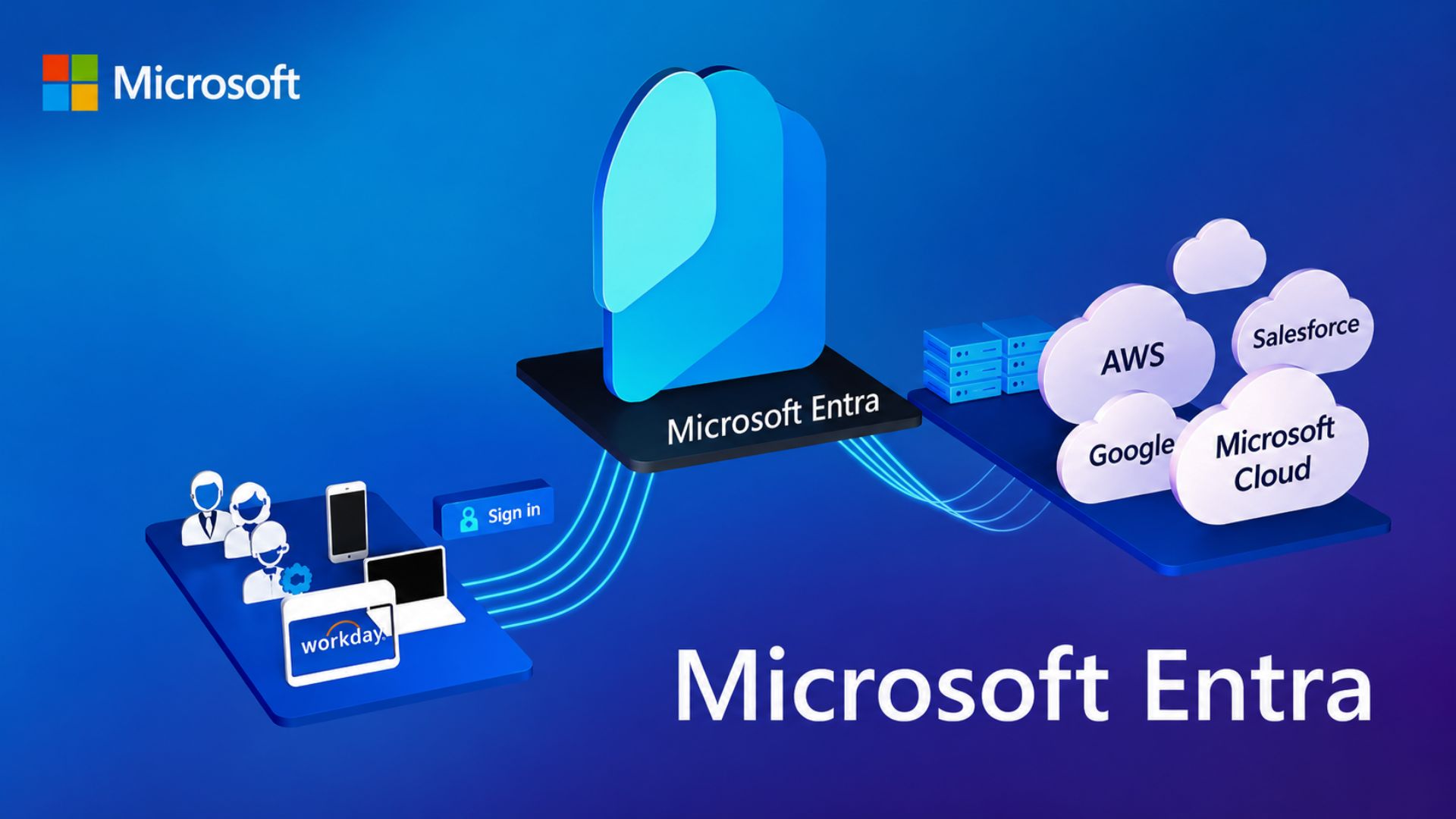
Microsoft has just confirmed that **SMS** and **voice authentication** are no longer sufficient against sophisticated AI‑driven attacks. The tech giant is pushing **passkeys** to become the default sign‑in method in Entra by September 2026, with a hard deadline of February 2027 to retire the legacy methods entirely. IT admins across the United States, United Kingdom, and Canada need to act fast to keep their environments compliant and secure.
Why SMS and Voice MFA Are Outdated
AI tools can now mimic human speech and generate OTPs in milliseconds. Attackers can intercept or spoof SMS messages, and voice calls can be hijacked using deep‑fake technology. Microsoft’s internal research shows a 99.9% drop in successful breaches when moving from **SMS/voice MFA** to **passkeys**.
What Exactly Are Passkeys?
Passkeys are cryptographic key pairs stored on a user’s device, tied to the device’s biometric or PIN. When a user signs in, the device proves possession of the key without sending a code over the network. This eliminates the “man‑in‑the‑middle” risk and removes the need for an out‑of‑band channel.
Key Timeline for the Transition
- September 2026 – Passkeys become the default sign‑in method in Entra.
- February 2027 – SMS and voice authentication are fully retired; no opt‑out available.
- January 2027 – Microsoft will pause support for legacy MFA methods in the Entra portal.
Impact on IT Admins
Admins must audit current MFA usage, identify apps still relying on SMS/voice, and plan migration paths. Failure to comply by February 2027 could result in forced, non‑compliant authentication methods and potential security incidents.
Preparation Checklist
- Inventory all user accounts and applications using **SMS** or **voice MFA**.
- Enable **passkey** support in Entra and test with a pilot group.
- Update IT documentation and training materials to cover passkey enrollment.
- Coordinate with device management teams to ensurefinity of biometric or PIN capabilities.
- Set up monitoring alerts for failed passkey attempts or fallback usage of legacy MFA.
- Schedule security awareness sessions for end‑users focusing on passkey benefits and best practices.
Benefits Beyond AI Resilience
Adopting passkeys offers more than AI protection:
- Zero‑touch authentication – no passwords to remember.
- Reduced phishing risk – keys never leave the device.
- Compliance alignment with NIST, ISO, and GDPR standards.
- Improved user experience, boosting productivity and satisfaction.
Next Steps for Your Organization
Microsoft has provided a migration guide, but the on‑us team must act decisively. Start with a quick assessment, then roll out passkeys in phases, ensuring continuous support and user adoption. Keep your IT staff engaged and informed – the transition period is a critical window for securing your organization against the next wave of AI attacks.
Ready to future‑proof your MFA strategy? Download the full migration playbook and schedule a consultation with our security specialists today.


💬 Comments
Comments
Post a Comment