

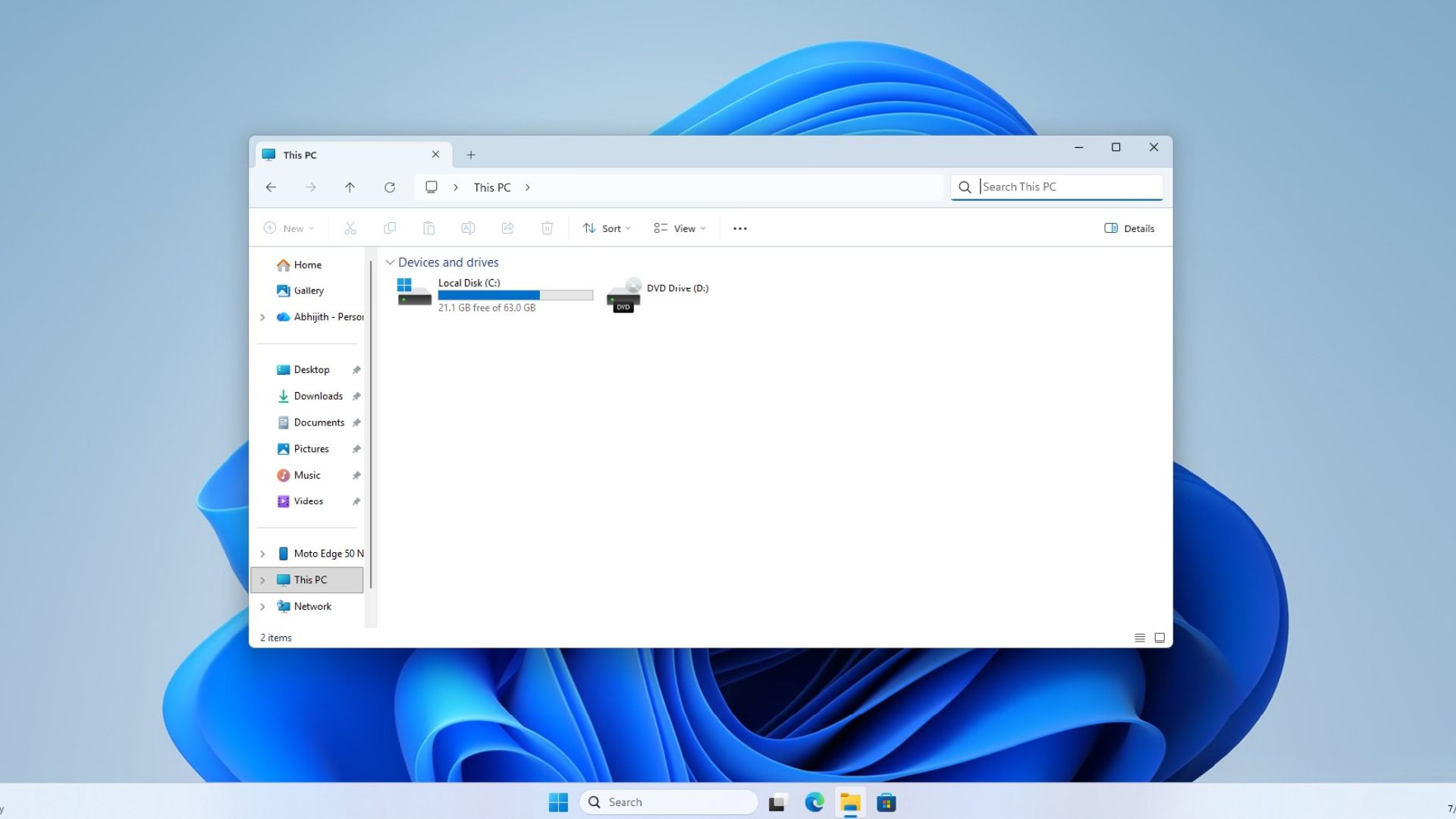
When you open Windows 11妓 the first thing many users notice is the familiar File Explorer layout. Yet, for years, the “This PC” search pane has been the slowest part of the OS, with file queries often taking minutes. Microsoft’s latest performance push promises to turn that frustration into a fleeting glitch.
Why This PC Search Was a Bottleneck
In the past, File Explorer used a legacy indexing engine that lagged behind the newer Windows Search system. When you typed a filename, the engine had to scan directories that weren’t fully indexed, causing delays. Users in the US, UK, and Canada alike reported that a single recently opened file could take 2–3 minutes to surface.
Marcus Ash’s Vision for a Faster Explorer
Leading the charge is Marcus Ash, who heads Design and Research for Windows and Devices. He confirmed that the same optimization work powering Windows Search will now be integrated into File Explorer. This means the same lightning‑fast indexing and query algorithms that power the start menu search will now handle “This PC” queries.
What the Update Brings
- Real‑time indexing for the “This PC” library, eliminating the need to wait for background scans.
- Unified search core that uses the same engine as the taskbar search, ensuring consistent speed across the OS.
- Optimized query parsing that reduces the CPU load during search operations, making the feature smoother on older hardware.
- Improved caching for recent files, so the next time you search, results appear instantly.
How Fast Is It Now?
Benchmarks from Windows Latest show that a file opened just minutes ago now appears in File Explorer search in under 500 milliseconds—down from the previous 2–3 minutes. The improvement is consistent across Windows 11 Home, Pro, and Enterprise editions.
Where Is the Update?
Microsoft is rolling out the changes as part of the July 2026 Windows 11 22H2 update. The patch is included in the automatic Windows Update stream, so users will receive it without manual downloads.
What This Means for Users
For everyday tasks—quickly locating a PDF, finding the latest version of a spreadsheet, or browsing media libraries—the new File Explorer search will feel instantaneous. Developers can also leverage the faster API for file‑search features in their apps, improving productivity across the board.
Stay Ahead of the Curve
To ensure you’re on the latest version, check your Windows Update settings and install any pending updates. For more insights into Windows 11 performance enhancements, follow our tech coverage and join the conversation on social media.
Ready to experience the speed upgrade? Turn on automatic updates now and let Windows 11 transform your file‑search experience. Stay tuned for more updates from Microsoft’s design team and discover how these changes can boost your workflow today.


💬 Comments
Comments
Post a Comment