

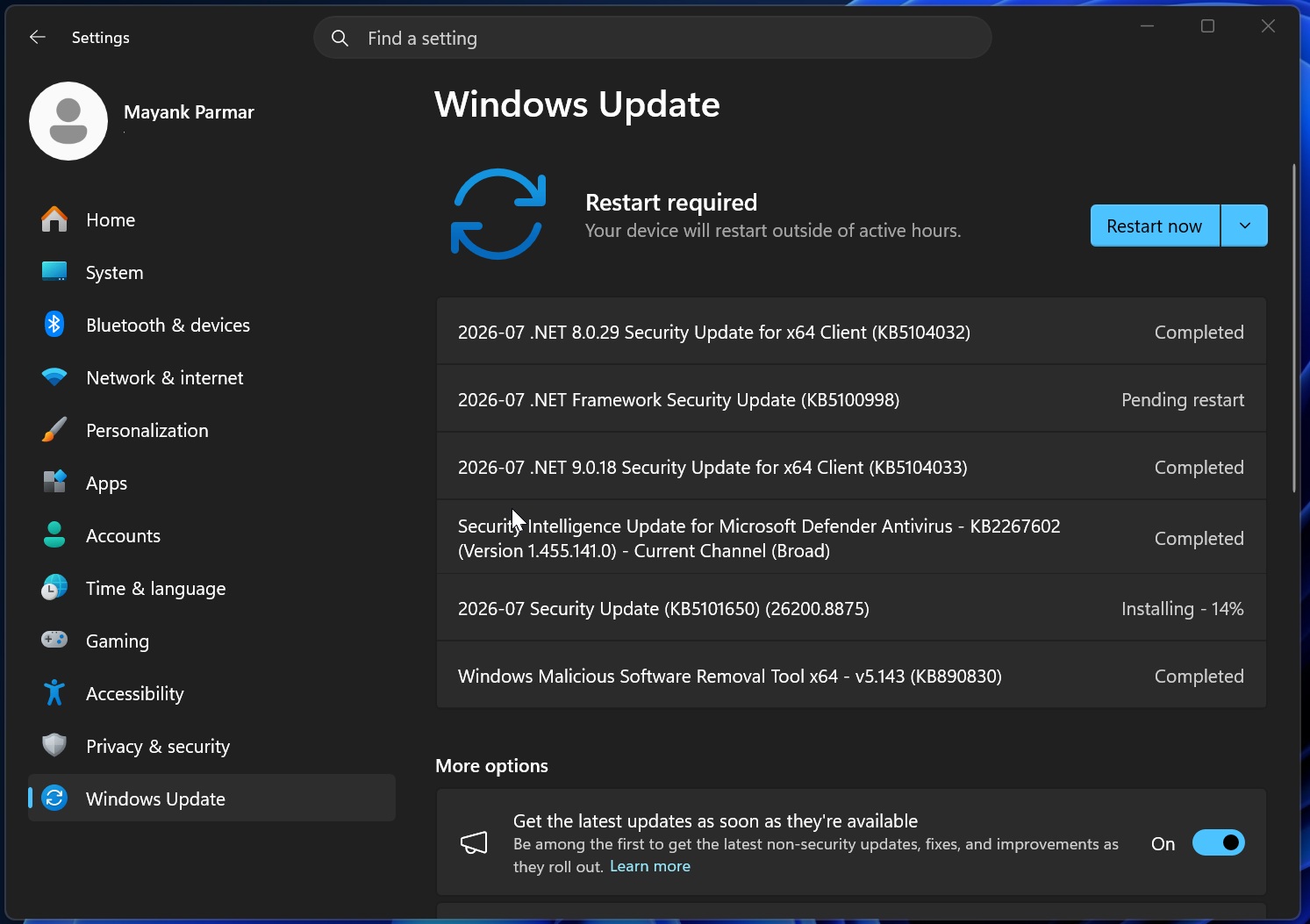
Microsoft’s latest Windows 11 summer rollout, codenamed KB5101650, is finally here. The update promises a smoother, more private experience with five new features that could change how you interact with your PC. Below we break down each addition, explain why it matters, and highlight what’s still pending.
1. Point‑in‑Time Restore: Backups That Remember
Think of a safety net that captures every change you make—every file, every setting—at a specific moment. That’s the core of Point‑in‑Time Restore. When a problem surfaces, you can roll back to a clean snapshot without losing recent work.
- Creates incremental snapshots automatically.
- Restores system state, apps, and user files with a single click.
- Works seamlessly with OneDrive backup for added redundancy.
2. Calendar Update Pausing: Focus Without Interruption
Long‑standing complaints about calendar notifications popping up at odd times have finally been addressed. Calendar Update Pausing allows users to set blackout periods during which the app doesn’t fetch or sync new events.
- Custom blackout windows for work, sleep, or deep‑work sessions.
- Sync resumes automatically once the pause ends.
- Reduces battery drain on mobile Windows devices.
3. Quieter Widgets: A Calm Desktop Experience
Widgets have been a staple of Windows 11, but their constant ευεμνήσεις can feel intrusive. The new Quieter Widgets feature lets you dim or mute widget updates, keeping your desktop calm.
- Toggle noise level per widget or globally.
- Optional “Do Not Disturb” mode for high‑focus periods.
- Improved accessibility settings for low‑vision users.
4. Screen Tint: Protect Your Eyes
Long‑time eye‑strain complaints have led to the introduction of Screen Tint, a feature that automatically adjusts screen hue based on time of day.
- Reduces blue light during evening hours.
- Customizable intensity for a personalized glow.
- Works across all displays, including external monitors.
5. Feature Roll‑Out: What’s Immediate and What’s Coming
While many of these upgrades are now available to all Windows 11 PCs, Microsoft has taken a phased approach. Users in the US, UK, and Canada can immediately try Point‑in‑Time Restore and Screen Tint. Calendar Update Pausing and Quieter Widgets will roll out in the next few weeks.
To stay ahead, keep Windows Update enabled and check the Release Notes for each new build. The company has also opened a feedback channel for users to report bugsiggs or suggest further tweaks.
With these new tools, Windows 11 is tightening its focus on user privacy, productivity, and wellbeing. Whether you’re a developer, creative professional, or everyday consumer, the update offers tangible benefits that can make your day-to-day smoother.
Ready to experience the difference? Hit Windows Update now, or visit the official Microsoft support page for a detailed walkthrough. Your next-level Windows experience is just a click away.


💬 Comments
Comments
Post a Comment